Authentication is one of those parts of product development that looks simple until it stops being simple.
Signing in is only the visible surface. Real applications need account creation, verification, password resets, session handling, social login, protected routes, profile management, and enough flexibility to extend the user model later. That is where most examples become less useful. They either stay too shallow or abstract the hard parts away.
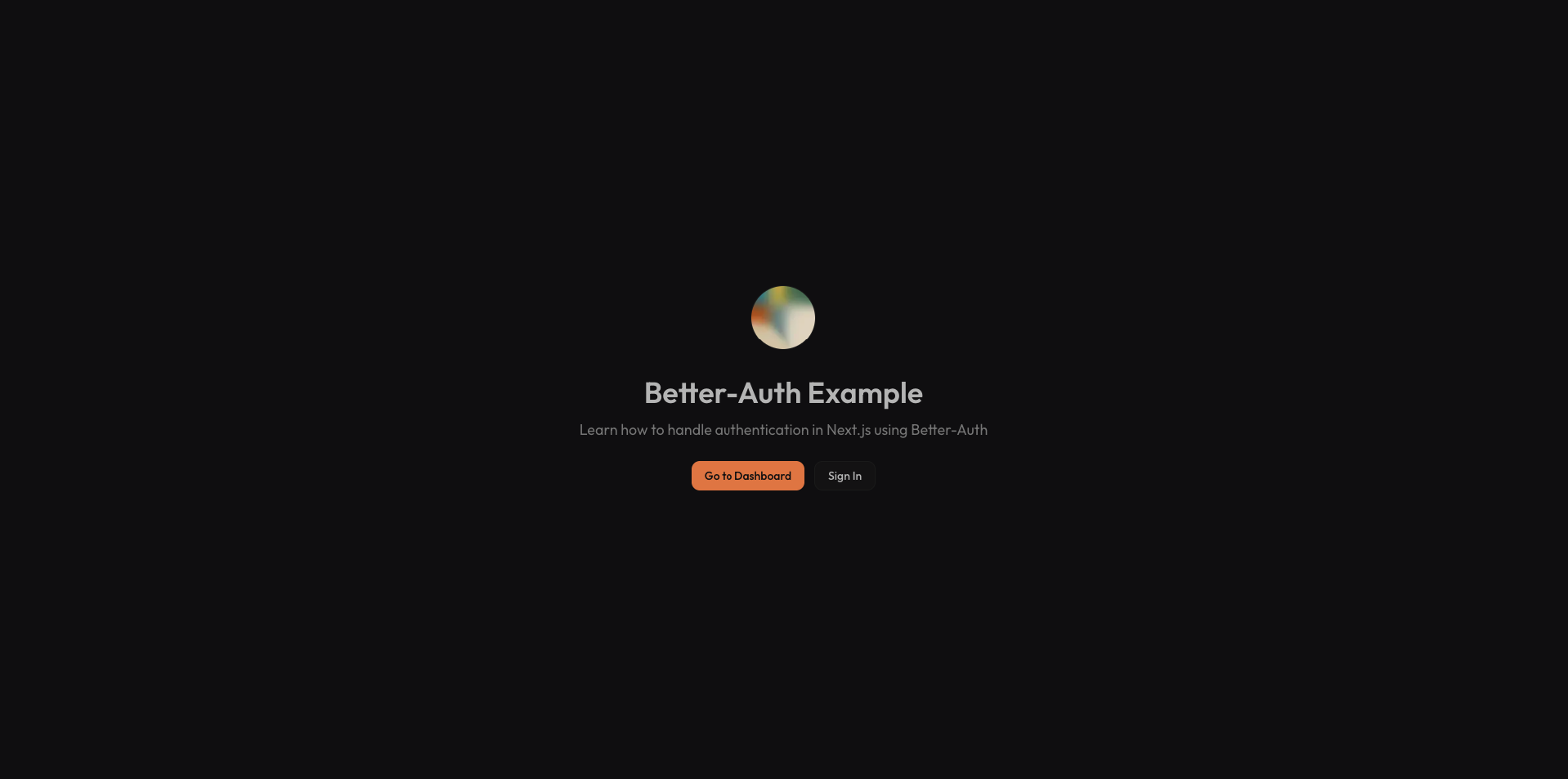
Better Auth Example was built as a more complete reference. The goal was not to ship a new auth product. It was to create a codebase that demonstrates a realistic authentication stack in a way that stays understandable.
A Reference App, Not Just a Demo
The strongest quality of the project is that it covers the full lifecycle instead of only one moment in the flow.
It includes:
- email and password sign-up and sign-in
- Google and GitHub OAuth
- email verification
- password reset
- change-email verification
- session-aware protected pages
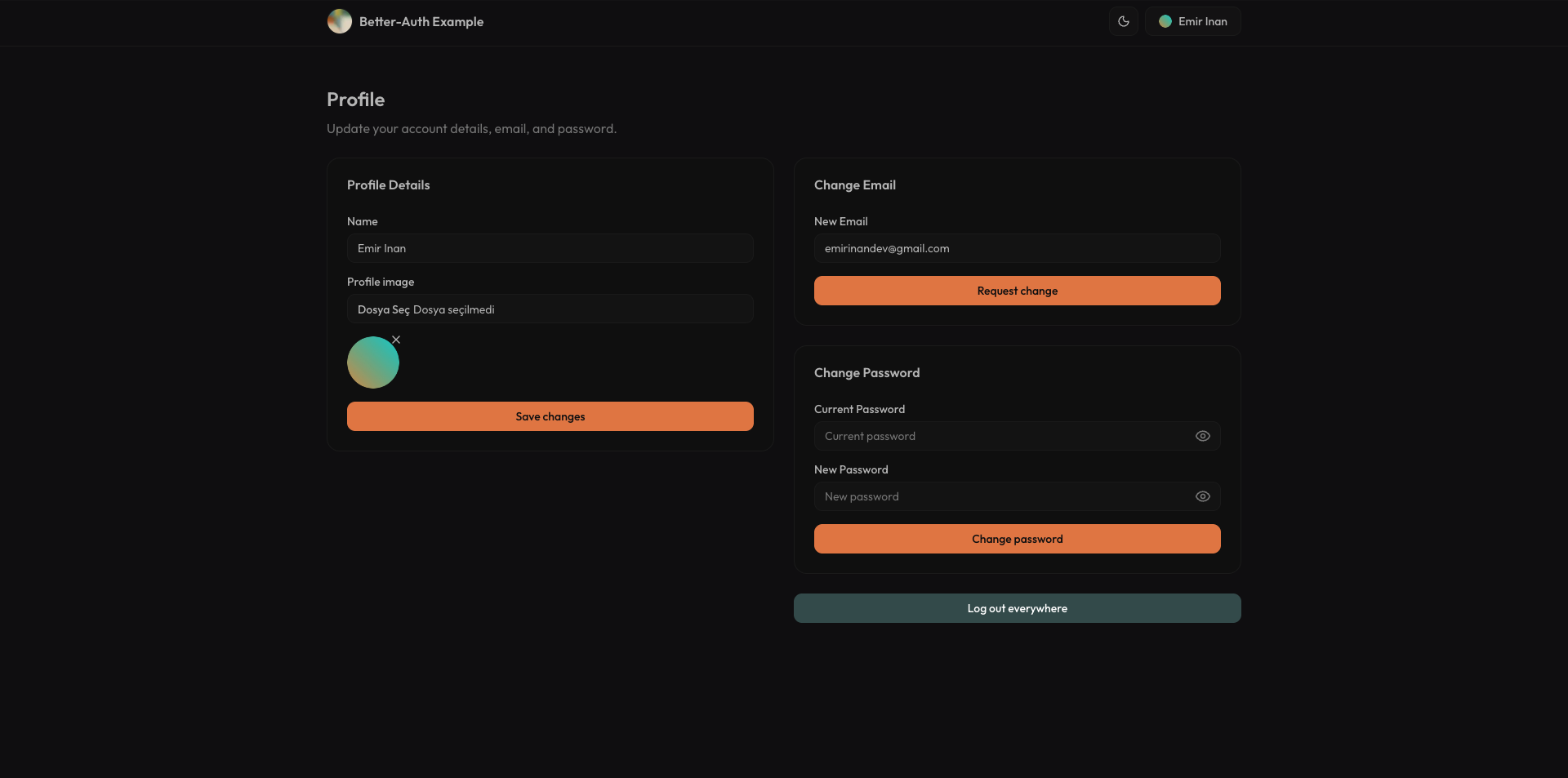
- profile management
- extensible user data through roles
That makes it useful in a very specific way. It is not trying to impress with novelty. It is trying to be something a developer can actually study, borrow from, and adapt to production code.
Why Better Auth Fits This Kind of Project
The project is centered on Better Auth, but what makes that interesting is not the library name on its own. It is the tradeoff it enables.
Hosted authentication products are convenient until you need more control, deeper customization, or a structure you can actually inspect and own. Rolling your own auth gives full control but comes with a large security and maintenance burden. Better Auth lands in a useful middle ground. It handles the difficult parts of authentication while still letting the application own its data model, logic, and extension points.
That is why this repository works well as a teaching project. The auth layer is real, but it is still transparent.
The Full Authentication Lifecycle
The project covers the paths that matter in a real app, not just the happy path.
Users can sign up with email and password, verify their email, sign in with Google or GitHub, request password resets, and update account details later. If the user changes their email, the system also routes that through a verification flow instead of treating it like a trivial field update.
This is where the app becomes more valuable than a typical starter. It shows that authentication is not a single feature. It is a collection of connected flows that all need to behave coherently.
The email side of the system uses Resend, which keeps verification and reset handling clean without burying the project in email infrastructure concerns.
Protection Happens on the Server
One of the better implementation choices in the project is that protected pages are guarded on the server, not only on the client.
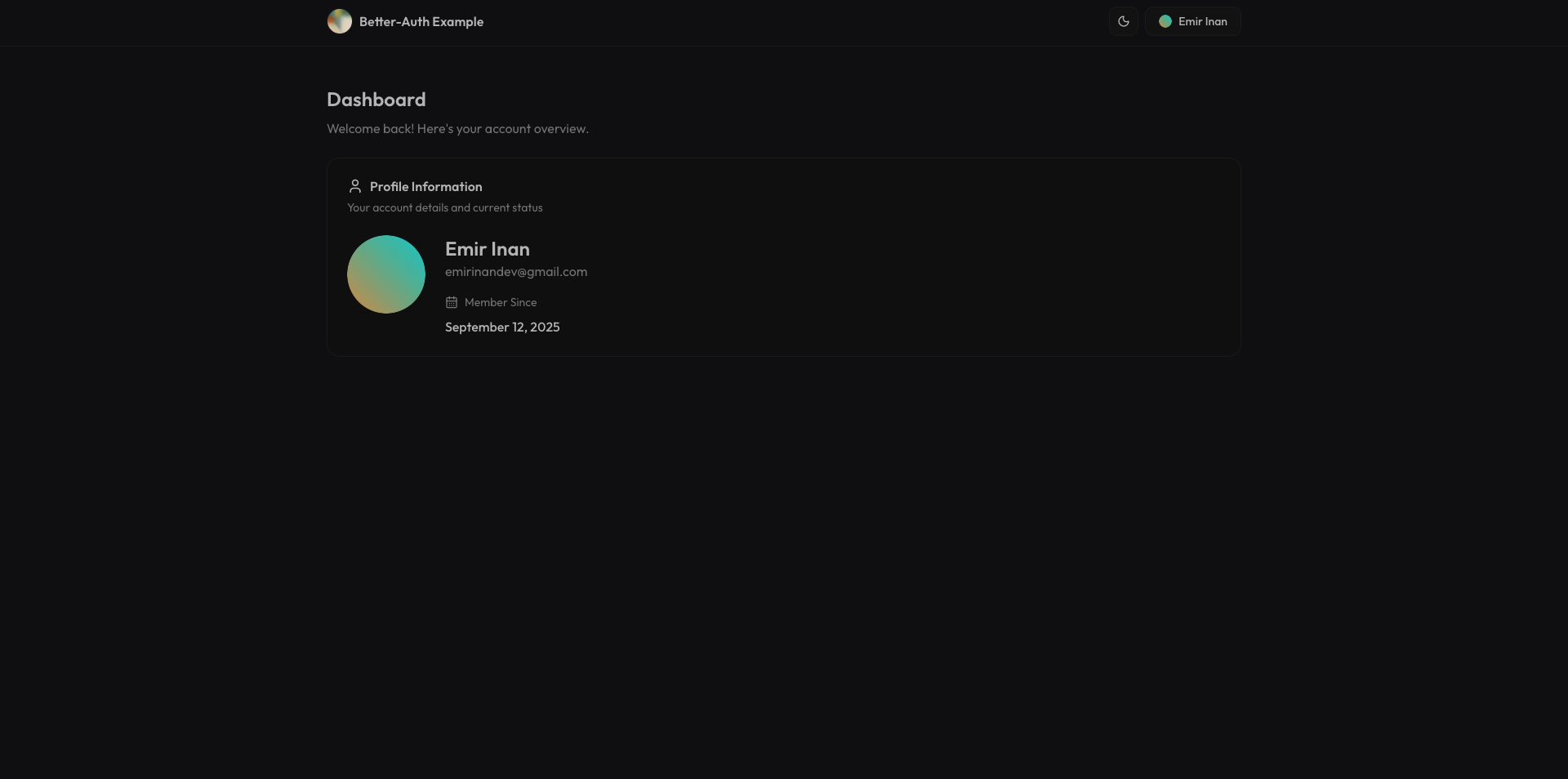
The dashboard reads the session server-side and immediately rejects unauthenticated access. That sounds straightforward, but it is an important distinction. It keeps route protection aligned with the rendering model instead of treating auth as a client-side afterthought.
This also makes the dashboard a stronger example. It is not just a page that displays user data. It demonstrates how authenticated application space should actually be structured in a Next.js App Router project.
Extensible User Data Matters
Another useful part of the repository is that it does not freeze the user model at the default.
The auth setup supports additional user fields like role, and the client integration is wired so those fields remain available in session-aware UI. The project also tracks login method information, which is a small but realistic example of how authentication systems often need to collect more than just identity.
That makes the repository more applicable to real products. Most applications need some version of this eventually: admin roles, staff status, onboarding states, billing flags, or some other extension of the default user record. This example shows how to make space for that without turning the code into a mess.
Validation and Security Are Part of the Product
The project is also careful in the places where auth examples often get hand-wavy.
Passwords are validated against a schema before critical operations. Sessions are handled through secure cookies. Verification flows are built into the lifecycle instead of bolted on later. OAuth providers are configured through environment variables rather than hard-coded assumptions.
None of that is especially flashy, but it is what makes the app feel production-minded. Authentication code becomes dangerous when it only demonstrates the visible UI without respecting the rules underneath.
The Supporting Stack
The rest of the stack is simple, but appropriately chosen:
- Next.js App Router for routing and server-rendered protection
- Better Auth for the authentication layer
- Prisma for persistence
- PostgreSQL as the backing database
- Resend for verification and reset emails
- next-themes and shared providers for application-level polish
This is not a “look how many tools are involved” stack. It is a practical stack for a full auth reference app.
Why It Works as a Learning Project
What makes Better Auth Example worth writing about is that it treats authentication as application infrastructure rather than a one-screen feature.
It gives enough implementation detail to study, but the scope is still controlled. The repository is narrow enough to understand in one sitting and complete enough to be useful afterward. That is a difficult balance, and it is what gives the project its value.
Closing Thoughts
Better Auth Example is essentially a reference implementation for the parts of authentication that real applications eventually need.
It is not trying to reinvent auth. It is trying to make the moving pieces legible: sign-up, verification, reset, OAuth, sessions, protected pages, and user model extensions. That clarity is what makes it useful.
If I had to summarize it in one sentence, it would be this:
Better Auth Example is a practical Next.js reference app that shows how to build a complete authentication system without hiding the important parts.
That is the kind of example I always want more of when starting a real product.